

Download Flashlight Video Projector APK – flashlight video projector, free app, home cinema simulation, smartphone projector, virtual projection, cinematic experience, video projection simulator, mobile entertainment
Overview
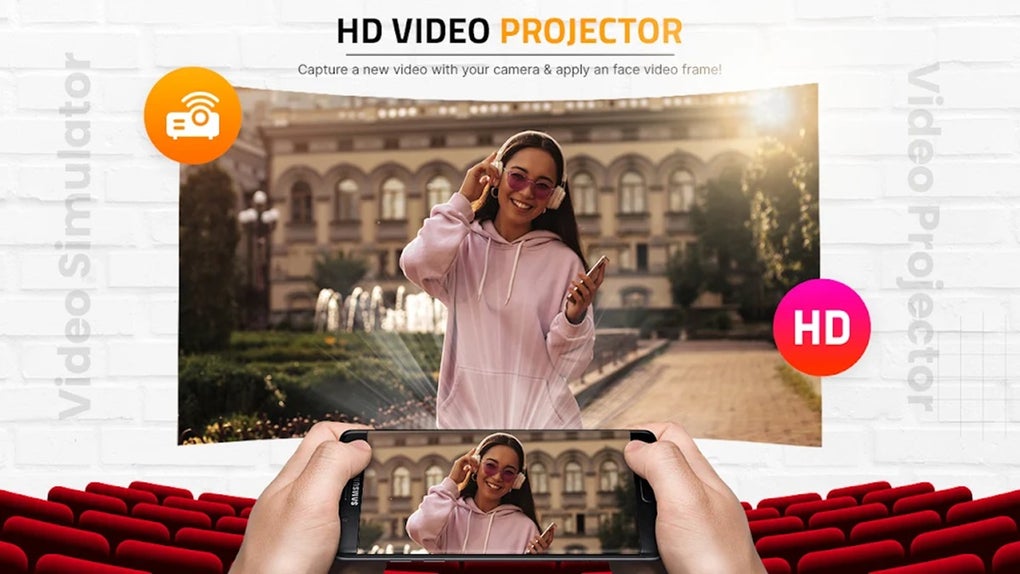
Flashlight Video Projector is a multimedia application designed to simulate a home cinema environment using only a smartphone’s built-in flashlight. The app enables users to transform their mobile device into a virtual video projector, offering a playful and imaginative way to enjoy video content in a larger, immersive format. Targeted primarily at casual users and entertainment seekers, the app caters to individuals who appreciate creative, novelty-based mobile experiences.
It is especially suitable for those who enjoy watching videos in the dark, hosting informal gatherings, or simply adding a whimsical touch to their viewing habits. The developer, Flashlight App Team, has focused on delivering a simple, intuitive interface that prioritizes ease of use and instant gratification. While the app does not provide actual projection hardware functionality, it creates the illusion of a projected screen through visual effects and lighting simulation.
This makes it ideal for users seeking entertainment without the need for external projectors or specialized equipment. Real-world usage scenarios include watching movies at bedtime, enhancing party atmospheres, or sharing videos with friends in a low-light setting. The app is free to download, making it accessible to a broad audience interested in experimental mobile entertainment.
Key Features & Capabilities
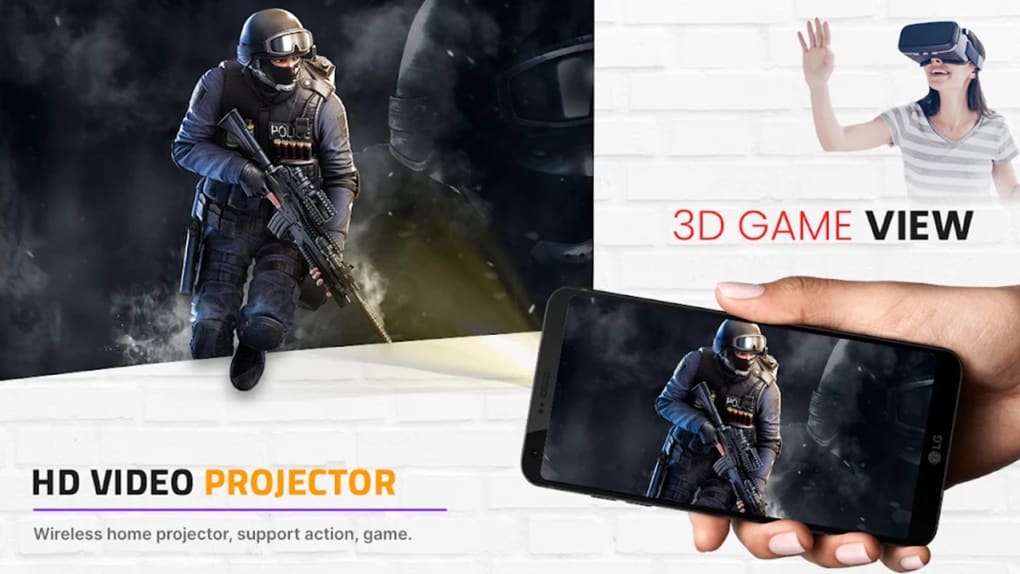
- Virtual Projection Simulation – The app uses the smartphone’s flashlight to create the visual effect of a projected video on a wall or ceiling, mimicking a cinema-like display. This feature is ideal for users who want to simulate a larger screen experience without physical hardware.
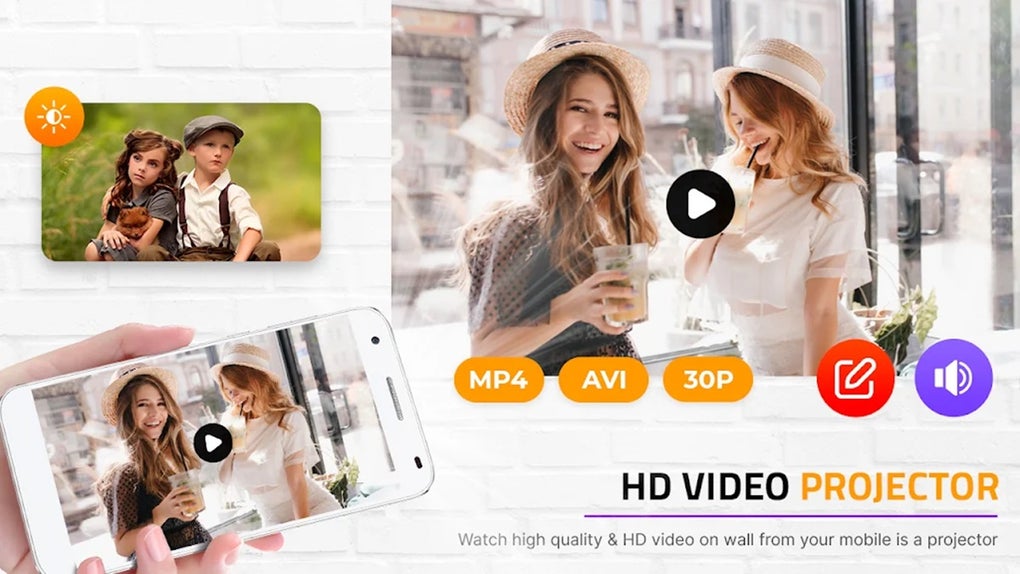
- Video Selection from Device Library – Users can browse and select any video file stored on their phone, allowing for full customization of content and viewing preferences.
- High-Quality and 4K Resolution Simulation – The app claims to support high-resolution playback, enhancing the visual fidelity of the simulated projection for a more immersive experience.
- Simple, Intuitive Interface – Designed for immediate use, the app features minimal navigation, enabling users to start a virtual projection session with just a few taps.
- Entertainment-Focused Design – The app emphasizes fun and novelty, making it best suited for casual, non-professional use cases such as parties, bedtime viewing, or creative experimentation.
These capabilities allow users to enjoy a cinematic atmosphere in any room, regardless of available equipment. The virtual projection effect is particularly effective in dark or dimly lit environments, where the flashlight’s glow enhances the illusion. While the app does not alter the actual resolution or playback quality of the source video, the simulated presentation adds a layer of immersion that can elevate the viewing experience for casual audiences.
User Interface, Workflow & Performance
The user interface of Flashlight Video Projector is minimalistic and straightforward, focusing on core functionality without unnecessary complexity. Navigation is centered around selecting a video file and initiating the projection simulation with a single tap. The layout prioritizes accessibility, ensuring that even users with limited technical experience can operate the app effectively.
Workflow efficiency is high, as the app requires no setup or configuration—users can begin using it immediately after installation. The app does not require a continuous internet connection, making it suitable for offline use. Performance details were not specified by the developer.
However, based on general mobile application behavior, the app likely consumes minimal processing resources during playback. The developer did not provide information about CPU or RAM usage. Stability is expected to be consistent for basic use cases, though prolonged use may vary depending on device hardware.
The app’s reliance on the flashlight and screen output means that performance may be affected by screen brightness settings and device temperature under sustained use. Overall, the app appears optimized for lightweight, on-demand entertainment.
Compatibility & System Requirements
Flashlight Video Projector is designed for Android devices and is compatible with the latest versions of the operating system. The app has a file size of 12.4 MB, indicating a lightweight installation that should not significantly impact storage space. The software version is 1.2.5, suggesting a mature release with potential bug fixes and stability improvements.
Exact system requirements were not listed by the developer. It is unknown whether the app supports older Android versions or specific hardware configurations. The app may require a smartphone with a functional flashlight and a screen capable of displaying video content.
Compatibility information is limited, and users should ensure their device meets basic Android functionality standards. No additional hardware or peripherals are required for operation.
Pros and Cons
Pros
- Free to download and use, making it accessible to a wide audience.
- Simple interface with minimal learning curve.
- Simulates a cinematic experience without requiring external projectors.
- Supports high-quality video playback and 4K resolution simulation.
- Works offline, ideal for use in areas with no internet access.
Cons
- Does not provide actual video projection; it is purely a visual simulation.
- Limited to Android platform; no support for iOS or other operating systems.
- No information on hardware or OS compatibility beyond Android.
- Performance and resource usage details were not disclosed.
- May not satisfy users seeking professional or high-fidelity projection tools.
FAQ Section
Is Flashlight Video Projector available for iOS devices?
The app is currently only available for Android. There is no official iOS version released at this time.
Does the app require an internet connection?
No, Flashlight Video Projector works entirely offline. Users can access and play videos stored on their device without needing an internet connection.
Can I use this app to project videos on a wall or ceiling?
Yes, the app simulates the visual effect of a projected video using the phone’s flashlight. While it does not physically project the image, it creates a convincing illusion in low-light environments.
Is the app safe to download and install?
As a free app from the Flashlight App Team, it is available through trusted Android app distribution channels. Users should ensure they download the APK from verified sources to maintain device security.
How often does the app receive updates?
The app is version 1.2.5, released on May 15, 2024. The developer has not specified a regular update schedule, but users can expect occasional improvements based on user feedback.
Final Thoughts + CTA
Flashlight Video Projector delivers a unique and entertaining approach to mobile video consumption by simulating a home cinema experience through smartphone capabilities. While it does not replace real projectors or offer advanced functionality, it excels in its niche as a playful, accessible tool for casual users. The app’s lightweight design, intuitive interface, and offline operation make it ideal for quick entertainment sessions, especially in dark rooms or social settings.
It’s best suited for individuals seeking novelty and creativity in their viewing habits rather than technical precision. For those who enjoy experimenting with mobile apps and want to add a touch of whimsy to their video time, this app offers a fun and engaging solution. Download Flashlight Video Projector now to experience the magic of virtual cinema at your fingertips.





.png)

